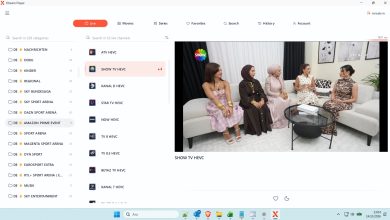
Ultimate Guide to Downloading, Installing, and Using XCIPTV Player APK in 2025
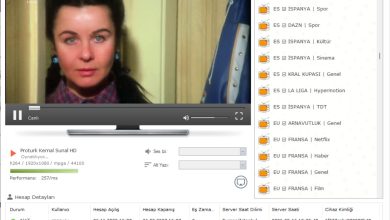
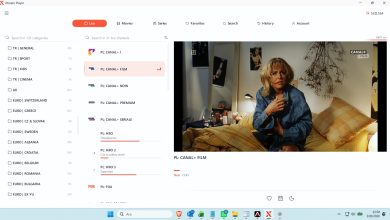
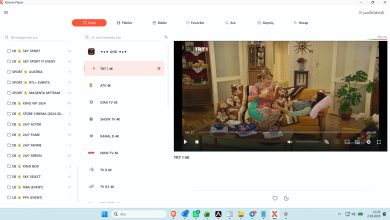
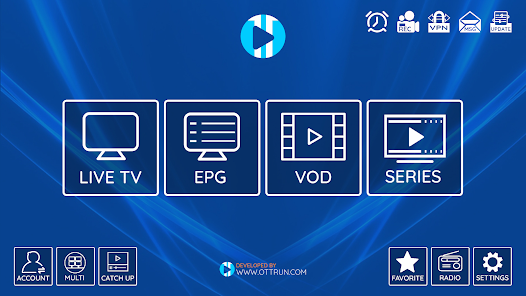
XCIPTV Player (also known as OTTRUN XCIPTV) is a popular, free media player app designed for streaming IPTV content. It features built-in players (ExoPlayer and VLC), support for EPG (Electronic Program Guide), catch-up TV, VOD (Video on Demand), series, recording options, and multi-screen viewing. Importantly, the app itself does not provide any content—you must add your own legal IPTV playlist (M3U URL) or Xtream Codes from a legitimate provider.

Safety and Legality Notes
- The official XCIPTV Player is safe when downloaded from trusted sources (e.g., APKMirror or Uptodown) and scans clean on VirusTotal.
- The app is legal as a media player, but streaming copyrighted content without permission is illegal in many regions. Always use legitimate IPTV subscriptions.
Step 1: Downloading the XCIPTV APK
XCIPTV is available on some app stores, but for devices like Firestick or Android TV, you’ll often need to sideload the APK.
- Recommended sources (as of late 2025):
- APKMirror: Search for “XCIPTV PLAYER” by OTTRUN (latest version ~7.0).
- Uptodown or APKPure for direct downloads.
- Avoid unknown sites to prevent malware.
For Firestick/Android TV users, a common method uses the Downloader app with short URLs like those from trusted guides (e.g., troypoint.com or firesticktricks.com).
Step 2: Installing on Android Devices (Phones, Tablets, Android TV, Firestick)
- Enable Unknown Sources:
- Go to Settings > Security (or Privacy) > Install unknown apps.
- Allow your browser or Downloader app.
- For Firestick/Fire TV/Android TV (Sideloading):
- Install the Downloader app from the Amazon/App Store.
- Open Downloader and enter a reliable APK URL (check current guides for updated links, e.g., from troypoint.com).
- Download the APK file.
- When prompted, click Install.

- For Regular Android Phones/Tablets:
- Download the APK via browser.
- Open the file and install.
After installation, delete the APK file to free up space.
Step 3: Setting Up and Using XCIPTV
- Open the XCIPTV Player app.
- You’ll see options to add a playlist:
- Preferred Method: Login with Xtream Codes API (recommended for full features like auto-EPG and catch-up):
- Click “Add User” > “Login with Xtream Codes API”.
- Enter:
- Playlist Name (any name).
- Server URL (e.g., http://provider.com:8080).
- Username.
- Password.
- Save and load.
- Alternative: M3U URL:
- Click “Add User” > “Login with Playlist”.
- Choose “M3U URL” and paste your playlist link.
- Preferred Method: Login with Xtream Codes API (recommended for full features like auto-EPG and catch-up):
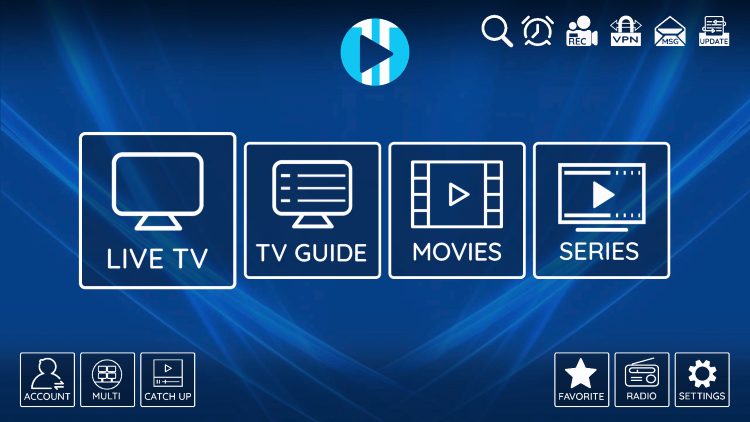
- Navigation and Features:
- Live TV: Browse channels, favorites, and EPG.
- VOD/Movies: On-demand content.
- Series: Episodes organized by season.
- Catch-Up: Rewatch past programs (if supported by provider).
- Settings: Customize players, parental controls, UI theme, multi-screen, recording (DVR), and backups.
- Use your remote or touchscreen for easy navigation—it’s optimized for TV remotes.
- Start streaming! Switch between playlists easily if you add multiple.
If issues arise (e.g., buffering), check your internet, provider, or try switching built-in players in settings.
This setup works across Firestick, Android TV boxes, phones, and even PCs via emulators like BlueStacks. Enjoy seamless streaming with your legal IPTV service!